Free crochet tool
Crochet Row & Stitch Counter
A row counter records each finished row or round and a stitch counter tracks the stitches in the current one; add a row only after its last stitch is made. Keep your place, one tap at a time. This row and stitch counter tracks completed rows or rounds and the stitches in your current one, with separate counters for each project or part. Free to use, with no sign-up.
Loading saved counters…
Count what you have finished
- Choose your project. Open Counter settings to name it and choose Rows or Rounds. Use a separate counter for a new project, a toy part or a pattern section.
- Finish a row or round, then tap + once. Use the smaller stitch counter if you also need to check individual stitches. By default, adding a completed row clears those stitches.
- Correct a mis-tap with Undo. Undo also restores stitches that were cleared by an accidental row tap. Check the saving message before closing the page.
A quick example
You finish round 3, so the completed-round count is 3. Leave it at 3 while you work round 4. If you accidentally tap + early, Undo takes it back to 3. This is a counting aid: compare your stitches with the total in your pattern before marking a round complete.
Stitch counter or row counter: which do you need?
A row counter tracks how many rows or rounds you have finished. A stitch counter tracks the stitches inside the row or round you are working on. This tool does both: the large count is completed rows or rounds, and the smaller count is stitches in the current one.
| You are… | Use |
|---|---|
| Following a pattern with numbered rows or rounds | Row counter: tap + after each finished row or round |
| Checking a round against its total, such as 18 stitches | Stitch counter, then compare with the pattern total |
| Working a long foundation chain | Stitch counter, one tap per chain |
| Repeating a 4- or 6-row section | Row counter with “Repeat every” set |
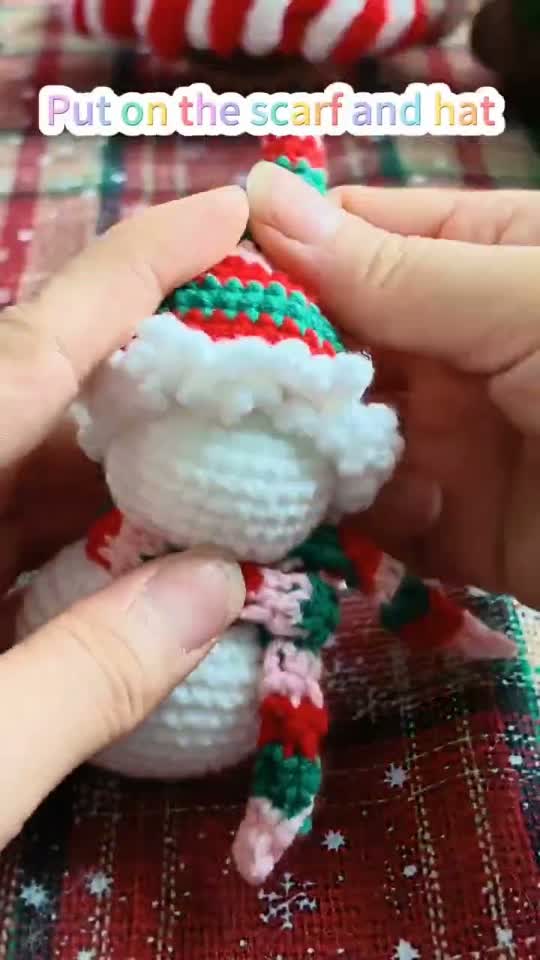
For amigurumi, keep a stitch marker in the first stitch of each round as well; the counter tells you the number, the marker shows you where the round starts. Prefer paper? The printable round tracker does the same job beside your pattern.
Rows, rounds and pattern repeats
Choose Rows for work made back and forth, or Rounds for work made in a circle. The choice changes the labels, not the counting. For continuous amigurumi rounds, keep a stitch marker in the first stitch and move it after checking the round. See how to count amigurumi stitches and rounds if you need help finding the stitches themselves.
For a 6-row repeat, set “Repeat every” to 6. Counts 6, 12 and 18 mark completed repeats; count 7 is position 1 in the next repeat. Repeats start from zero, so use a separate counter for a section that starts later in your pattern. An optional target shows progress toward a count you choose. Reaching it does not stop the counter or prove the project is finished.
Saving, returning and recovering your place
Your project names, counts, settings and notes are saved in this browser when storage is available. They are not uploaded by the counter and do not sync between devices. A different browser, website address or private window has separate storage. Browser data cleanup can erase it; keep a separate note for important projects.
If the tool cannot read or save progress, it shows a warning instead of promising that it is saved. Unreadable saved data is left untouched until you explicitly choose to replace it. If another tab changes the saved counters, this tab pauses saving so you can note your counts before loading that version. Use one tab for counting at a time.
Undo covers up to 50 changes across all counters during this visit. The counts are saved, but the Undo history is not. This page does not offer cloud backup, pattern import or guaranteed offline access.
Need a paper record or help reading your pattern?
The free printable amigurumi round tracker gives you columns for the pattern instruction, expected stitch count and a check mark. Choose paper if you want a record beside your pattern without keeping a screen open.
For lines such as “(sc, inc) × 6 [18]”, read how to read an amigurumi pattern. This counter records the numbers you enter; it does not calculate or verify a pattern for you.
Ready to choose a project?
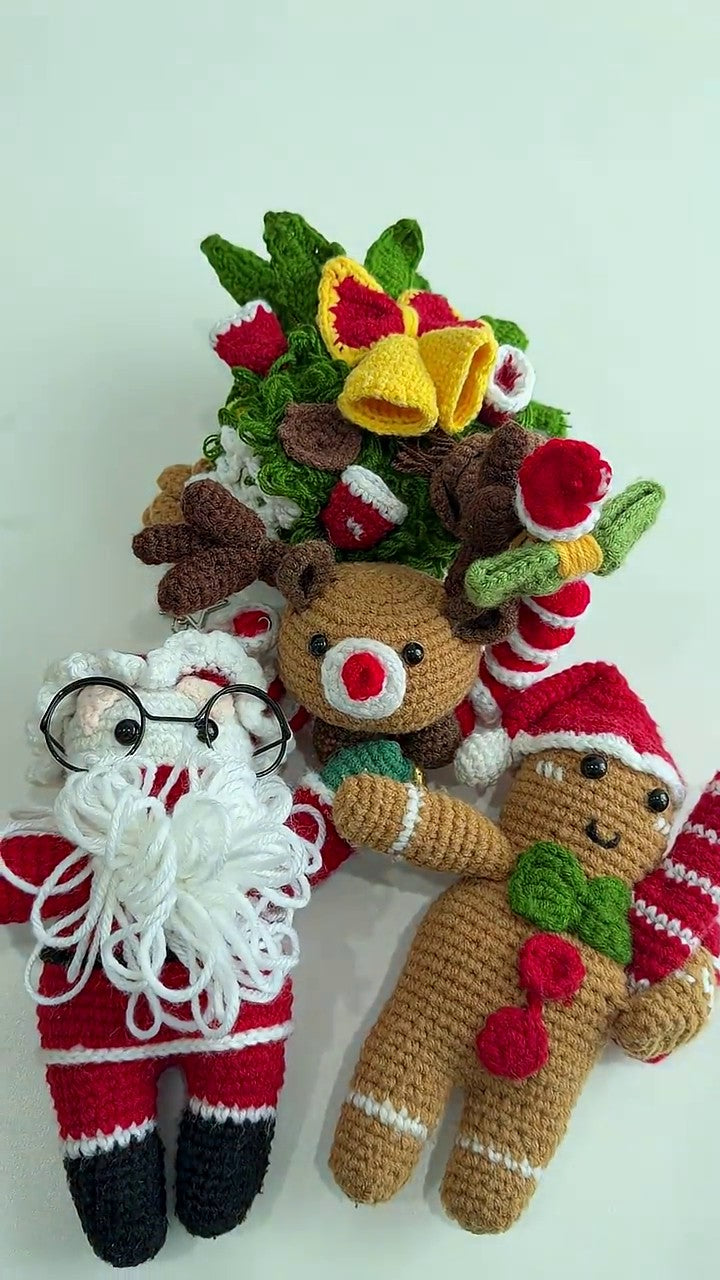
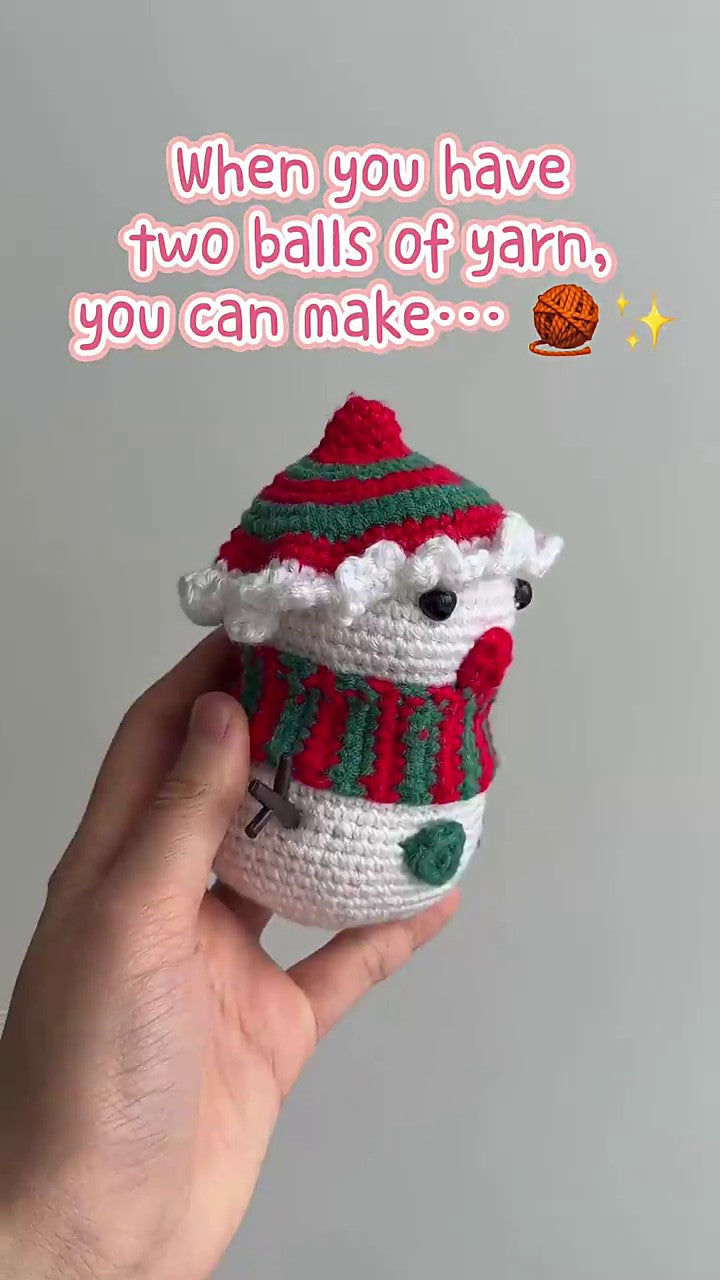
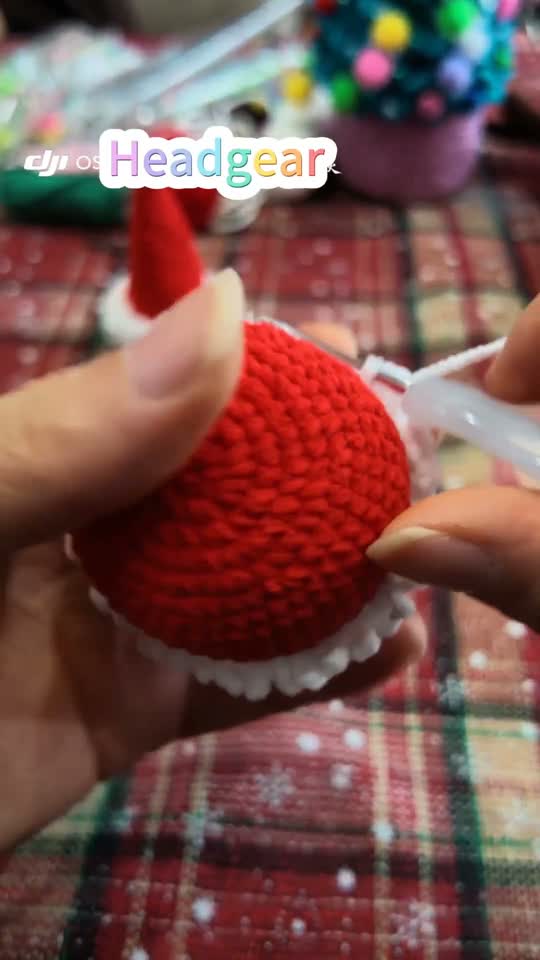
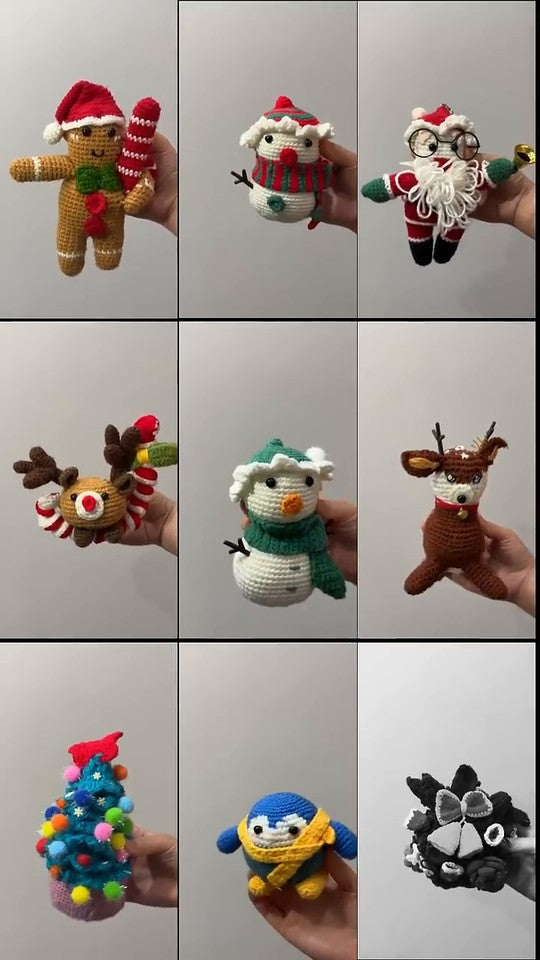
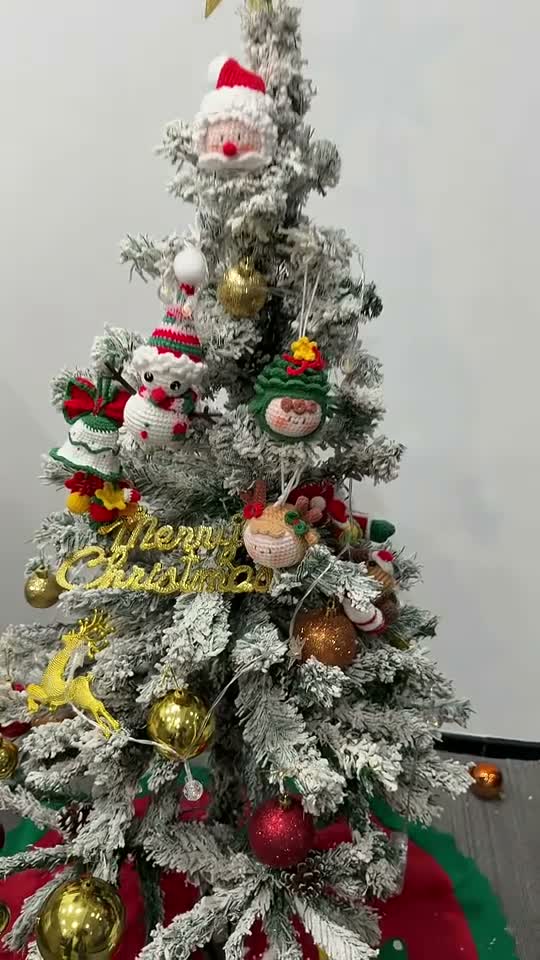
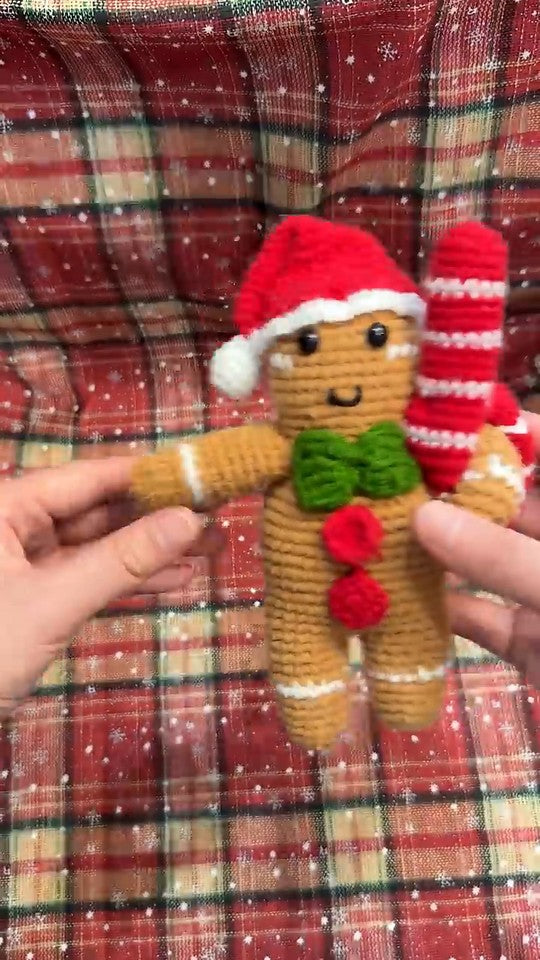
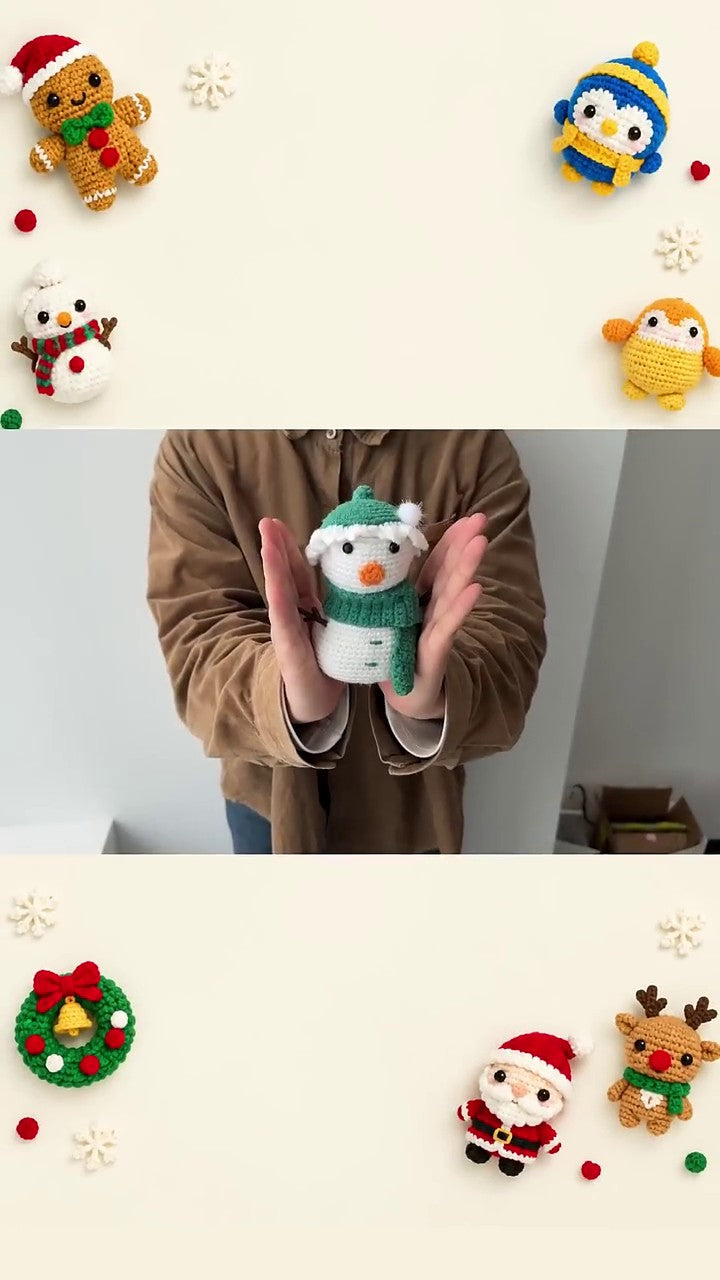
If you need materials as well as a pattern, browse DIY crochet kits. Our Christmas DIY kits include the yarn, hook and an English video tutorial for each design.
Ready to make a project?
Try the tool on a small project. Each one is a DIY kit with all materials, the crochet hook and an English video tutorial.
Frequently asked questions
Is this crochet counter free? Do I need an account?
It is free to use in your browser. You do not need an account or an app download. Add up to 20 counters for different projects or parts.
Will my count be here when I come back?
When the tool shows “Saved on this device”, your counters are saved in this browser for this website. Return using the same browser and device. Clearing site data, using another browser or closing a private browsing session can remove or separate your saved progress. There is no cloud sync. If saving is unavailable, the tool tells you; note your counts before leaving.
What does the row or round number mean?
It is the number you have completed, starting at zero. Tap + after finishing a row or round. If you have completed round 3, leave the count at 3 while you work round 4. A stitch marker helps you find the start of a continuous round.
Why do my stitches go back to zero?
By default, adding a completed row or round clears its stitch count. Undo restores both numbers after a mis-tap. Turn off “Clear stitches when I add a row” in Counter settings if you want to keep a running stitch total. The counter does not know your pattern’s expected stitch count.
Can I undo a reset or a deleted counter?
Yes, use Undo while this page is still open. It keeps up to 50 changes across all counters, including settings, resets and deletions. Undo history is not saved when the page reloads or you leave the tool. Reset to zero asks for confirmation and keeps the project name, settings and notes.
How do repeat reminders work?
Set a repeat length in Counter settings. A repeat of 6 is marked complete at counts 6, 12, 18 and so on, measured from zero. For a new section, use a separate counter starting at zero. Reminders appear on the page; they are not background notifications.
Can I use a keyboard or keep the screen awake?
Focus the counting area, then press Space, ↑ or + to add a completed row or round; ↓ or − subtracts one. Typing in fields and pressing focused buttons keep their usual behaviour. Where supported, Keep screen awake requests a screen lock while this page is visible. Your browser or battery settings may release or refuse it; check the message beside the option.
Last updated November 21, 2026 · Sources: calculations and notes by the Forfunly crochet team; every formula is shown on this page.
More free crochet tools and printables
- Photo to Crochet Pattern Generator — Turn a photo into a colour grid chart for tapestry, C2C or graph crochet. Choose the grid size and number of colours, then download the chart.
- Filet Crochet Pattern Generator — Type a name or word and get a filet crochet chart of blocks and spaces, with row-by-row instructions and the foundation chain count. Download as PNG or text.
- Crochet Increase & Decrease Calculator — Spread increases or decreases evenly across a round or row, and plan a flat circle or a sphere round by round with exact stitch counts.
- Crochet Gauge Calculator — Compare your swatch with the pattern gauge, see which direction to change the hook and estimate stitches for a width.
- Crochet Hook Size Chart & Converter — Look up common regular hook sizes with metric and US labels, plus approximate old UK references. Confirm the printed millimeter size before choosing a hook.
- Yarn Weight Chart and Finder — Compare yarn categories 0–7, regional names and reference hook ranges. Use label details, wraps per inch or US single crochet gauge as clues, then check a swatch.
- Yarn Calculator: How Much Yarn Do I Need? — Estimate yarn for a project from your own swatch: weigh or measure the yarn in a sample, enter the project size and get skeins with a safety margin.
- Free printable crochet charts and checklists — abbreviations, hook sizes, yarn weights, symbols, increase charts, trackers and gift tags as PDFs.
- Crochet guides and learning paths — step-by-step lessons from the first chain to finishing an amigurumi.